Minecraft VRChat Edition
A fan recreation of classic Minecraft survival, running entirely inside VRChat. Generated worlds, mining, crafting, monsters, farming, and saves that follow you between visits. Made by a few of us at HoppouAI.
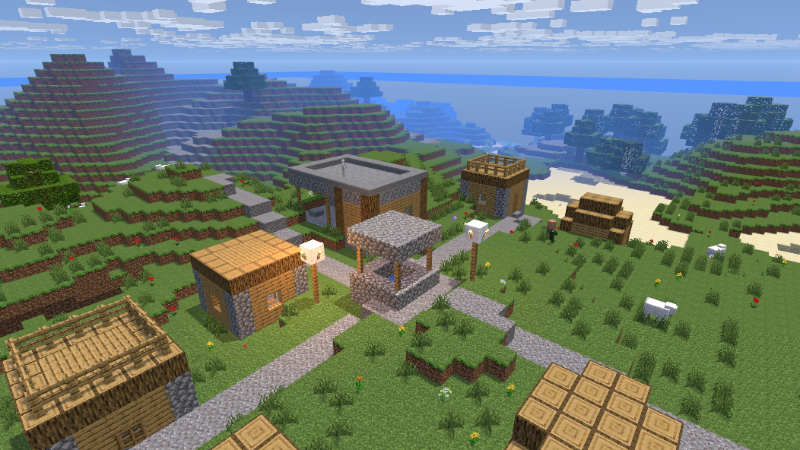
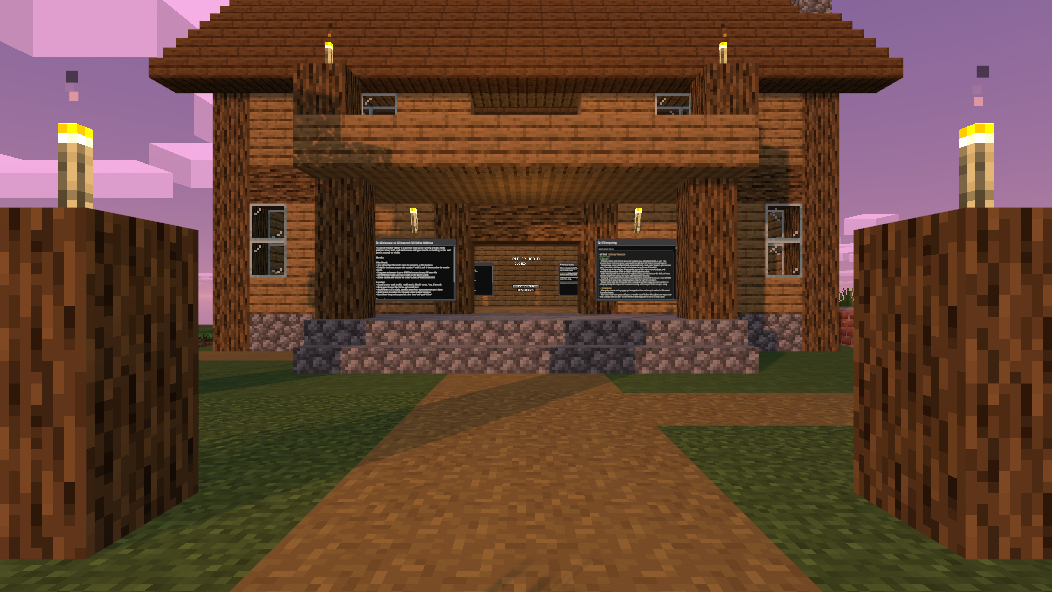
A generated village. Yes, they spawn on their own, loot chests included.

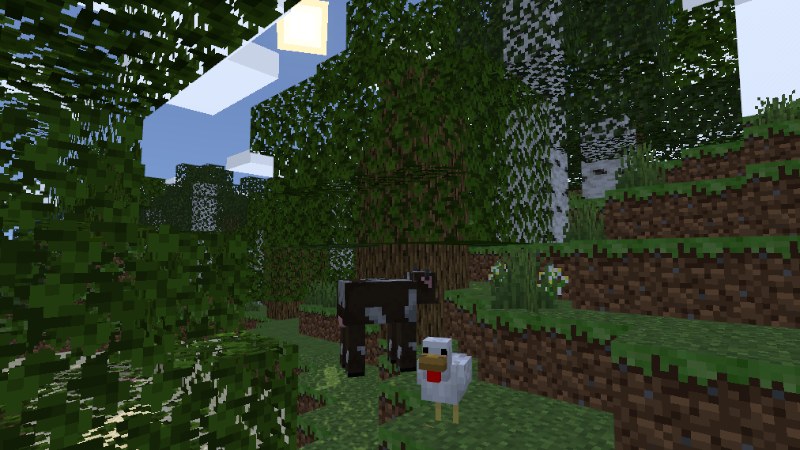
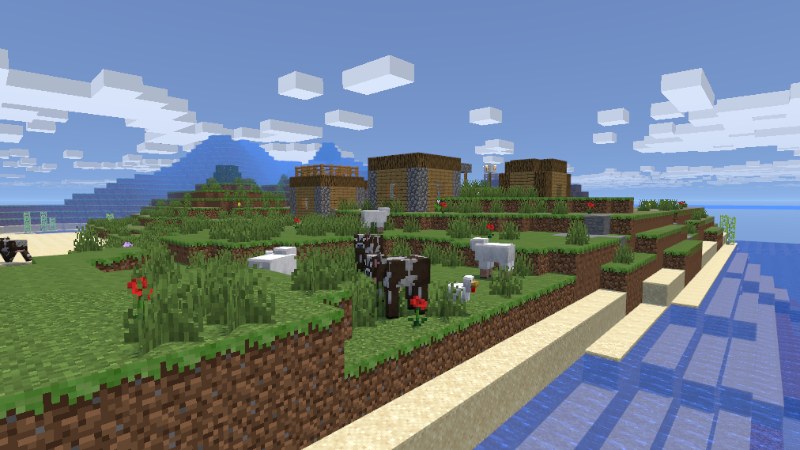
Same spot, one in-game day. Twenty minutes from sunrise to sunrise, and the nights get dangerous.
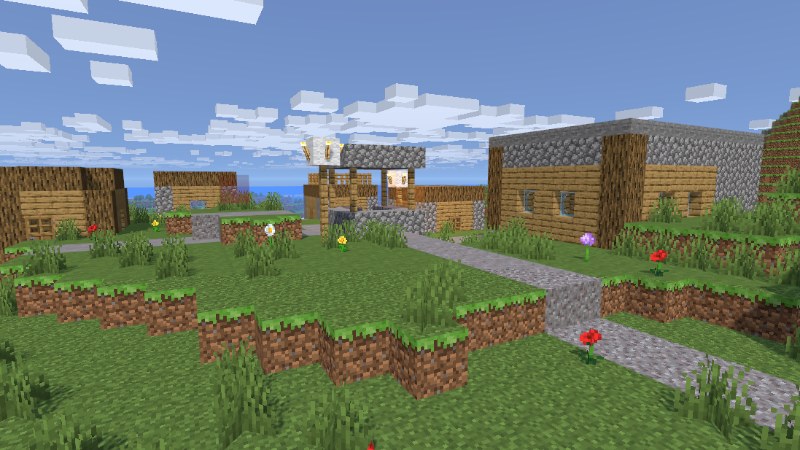
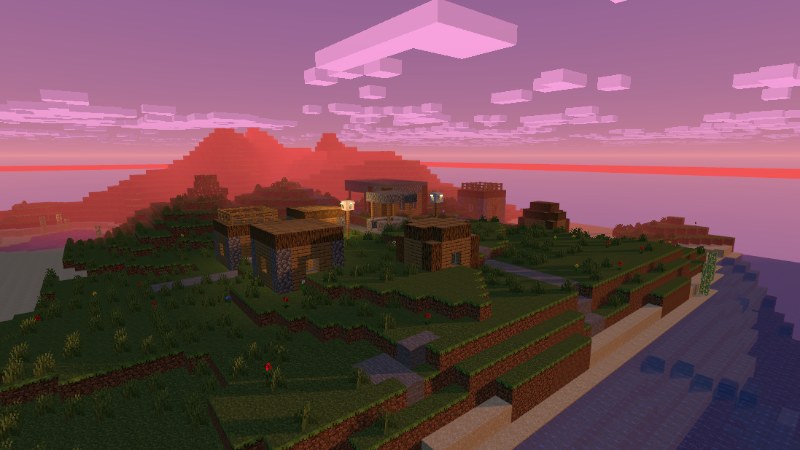
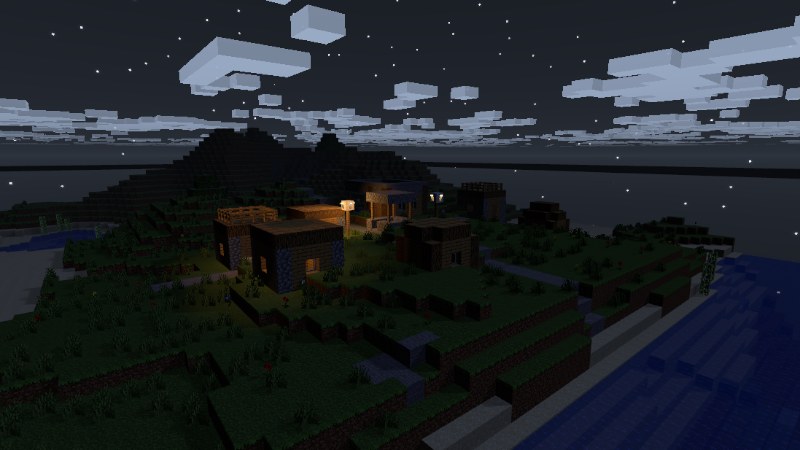
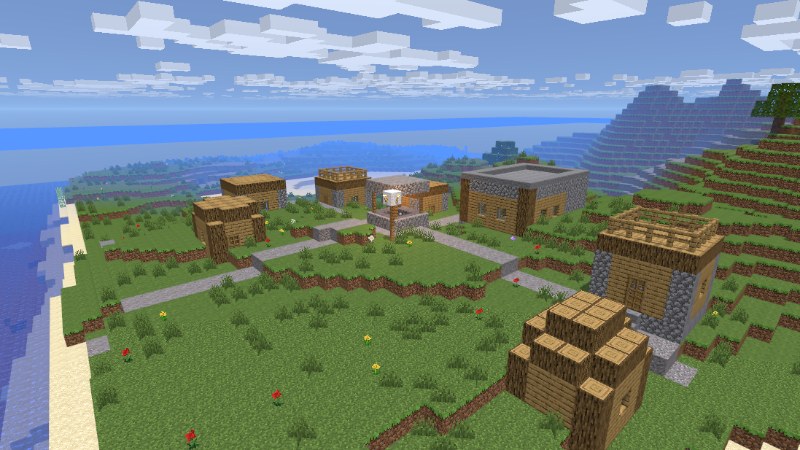
The whole survival loop
Generated worlds
Every world is generated from a seed: biomes, caves, ores, lakes, and villages. Share a seed with a friend and you both get the same world.
Full crafting
Crafting tables, furnaces, chests, and 178 recipes. Tools, armor, food, dyes, building blocks, the whole loop.

Minecarts and rails
Lay rail anywhere and ride it. Powered rails push you along, and the furnace minecart drives itself and shunts other carts ahead of it.

Villager trading
Villagers roll a career like farmer, librarian, priest, armorer or toolsmith, each with their own stock. Emeralds are the money, and trading unlocks better tiers.

Real survival
Hunger, health, fall damage, day and night. Fight zombies, skeletons and creepers at night, farm and tame the land by day.

Beds and respawns
Sleep to skip the night when enough players are in bed. Beds set your respawn, just like they should.
Progress that saves
Your world, inventory, chests and furnaces persist between visits. You can also export your whole world as a text code and import it anywhere.

Desktop, VR, and Quest
Full cross-platform. Desktop players get keyboard and mouse controls, VR players get hand interactions, Quest runs the same worlds.
Saves, exports, and world codes
Each instance hosts one world that everyone plays in together. Start a fresh one, load your save, or bring in a world code, then build with the whole lobby. Your inventory, chests, furnaces and every block you placed come back when you load your save.
You can also press EXPORT in the world menu to turn your entire world into a text code. Send it to a friend, keep it as a backup, or import it on another account. Big builds turn into surprisingly long strings, we've seen cities in there.
Tip: export a backup code every now and then. It's your world in your pocket.



- Get VRChat (free on Steam and Quest). No VR headset needed, desktop works great.
- Open the world page and hit Join, or search "Minecraft VRChat Edition" in game.
- Walk up to the world board in the lobby, make a world, and go punch a tree.
Minecraft VRChat Edition is a fan project. Not an official Minecraft product. Not approved by or associated with Mojang or Microsoft.